Litepad RTC Editor
In this experiment, you can find an extremely lightweight version of a real-time collaborative text editor. This project does not include complex features such as user authentication or document persistence. Its objective is to stay as simple and transparent as possible while still being practical.
Open demoGitHub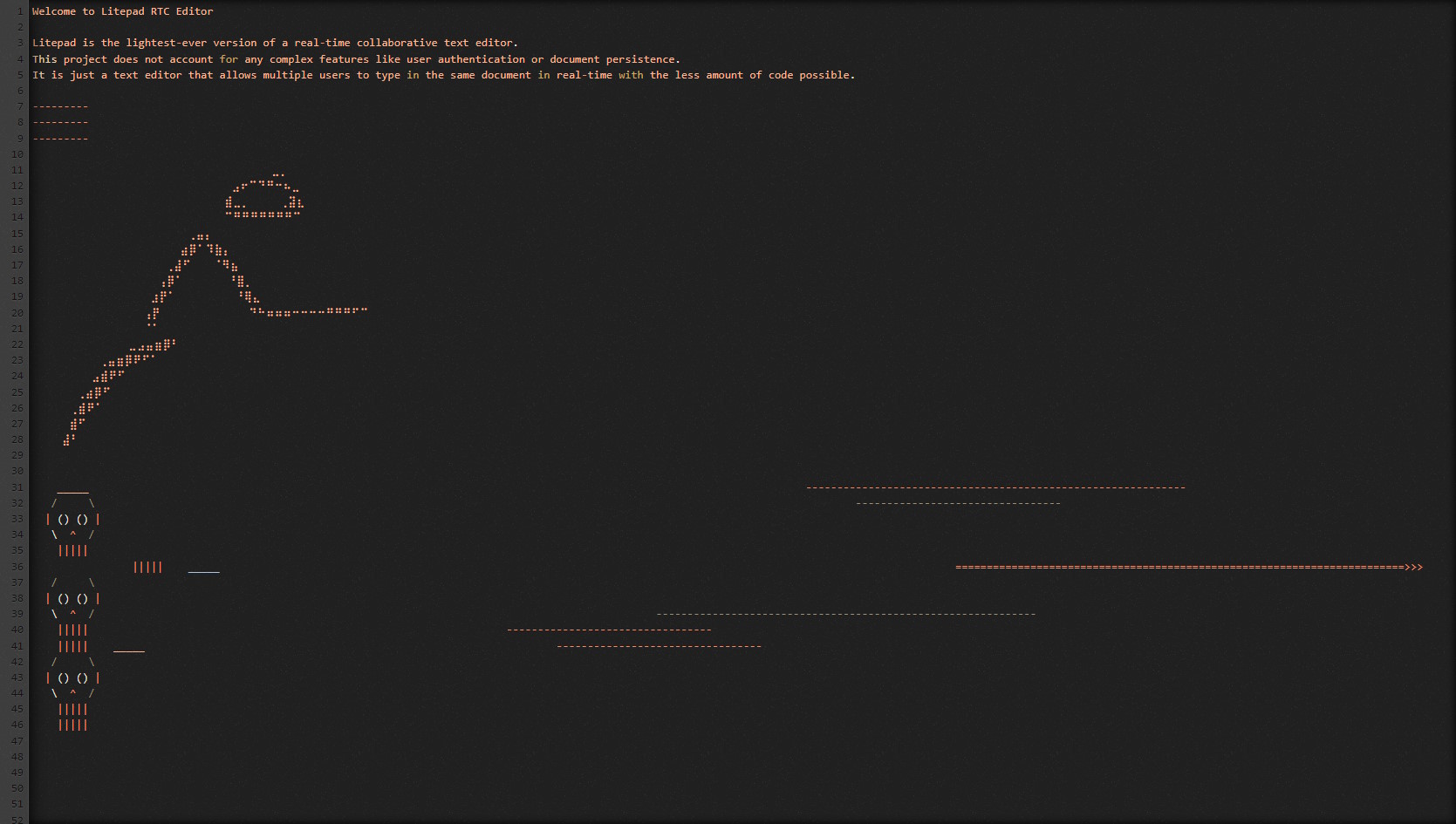
Purpose and Design
The idea behind the Litepad RTC Editor is to create a minimalistic real-time collaborative text editor that can be easily understood and extended. It serves as a foundation for learning about real-time collaboration and can be used as a starting point for building more complex applications. The Litepad editor is roughly 100 lines of code, yet it is a fully functional real-time collaborative text editor. It uses WebSockets to share updates across all connected clients.
The Code
On the client side, the editor's change event and the socket's refresh/change events are handled like this:
let socket = io.connect()
//Editor
editor.on("change", function (i, op) {
  socket.emit("change", op)
  socket.emit("refresh", editor.getValue())
})

//Socket events
socket.on("refresh", function (data) {
  editor.setValue(data.body)
})
socket.on("change", function (data) {
  console.log("Change received:", data)
  editor.replaceRange(data.text, data.from, data.to)
})
On the server side, socket connection, refresh, and change events are handled as follows:
let body = "Welcome to Litepad RTC Editor"

io.sockets.on("connection", function (socket) {
  socket.emit("refresh", { body }) //Propagate the value to the connected client

  //Socket events
  socket.on("refresh", function (_body) {
    body = _body
  })
  socket.on("change", function (op) {
    if (op.origin == "+input" || op.origin == "paste" || op.origin == "+delete")
      socket.broadcast.emit("change", op)
  })
})
That's it. This is probably one of the simplest implementations of a real-time collaborative text editor you can find. It is a great starting point if you want to build your own collaborative editor or, as I did, a browser-based virtual shell with authentication and persistence.
In production-ready systems, you would typically add conflict-resolution strategies, operational history, and access control. Here, the goal is clarity: understand the synchronization flow first, then scale it with confidence.
See Also
If you are interested in more advanced implementations of real-time collaborative editors, you can explore the following projects:
- Etherpad Lite: A full-featured collaborative editor with a rich set of features.
- Code Sync: A real-time collaborative editor with a nice UI.
- Firepad: A Firebase-powered collaborative editor.